Workspace
Workspace
Section titled “Workspace”An Obscura Flow workspace is an .obf file that stores workspace information, projects, collections, settings, recent files, and archive history.
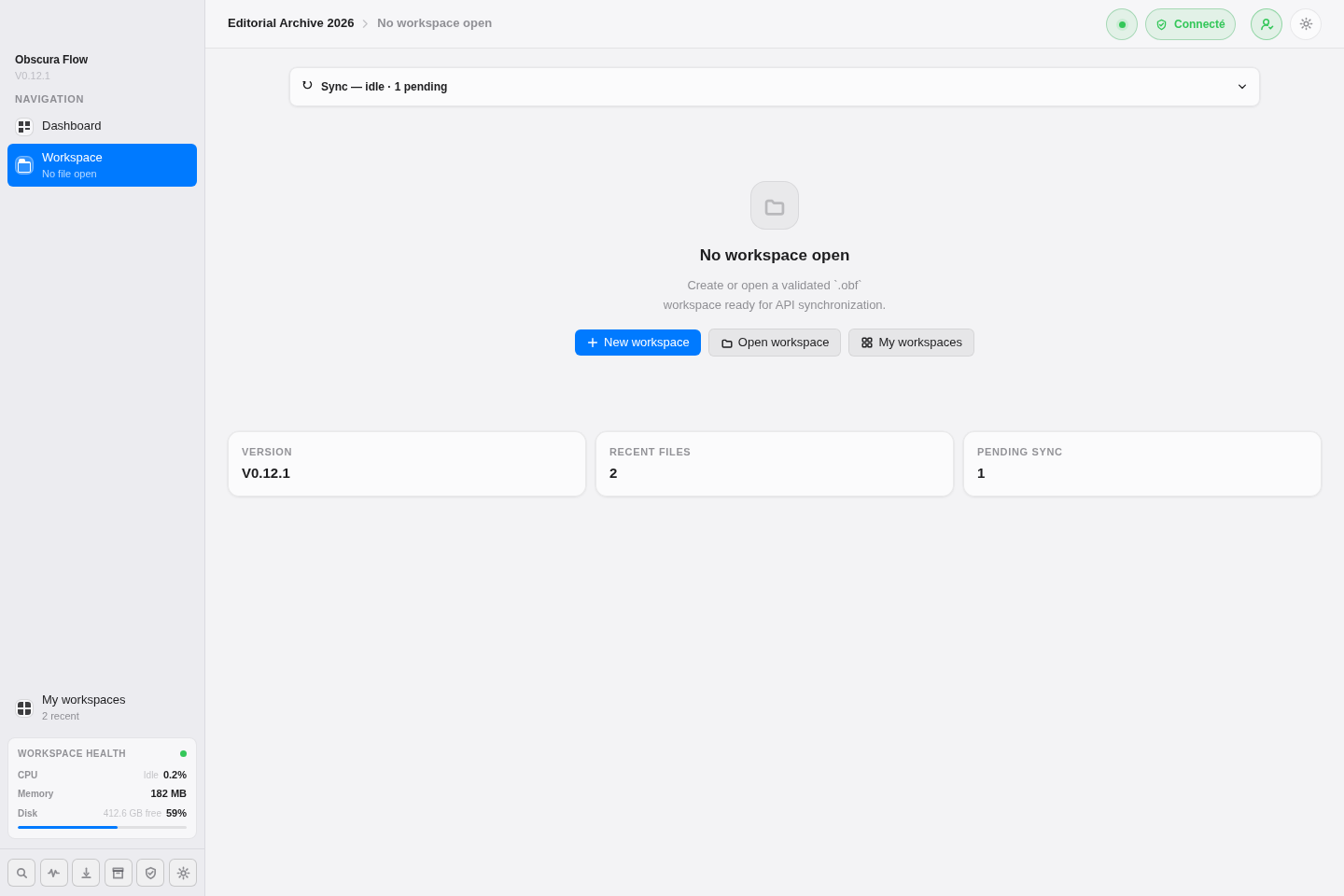
Create a workspace
Section titled “Create a workspace”- From the home screen, click
New workspace. - Enter a name.
- Add a description if needed.
- Choose the local folder.
- Confirm.
The selected folder must not already contain a workspace. If the API is available and synchronization is enabled, creation is also sent to the backend.
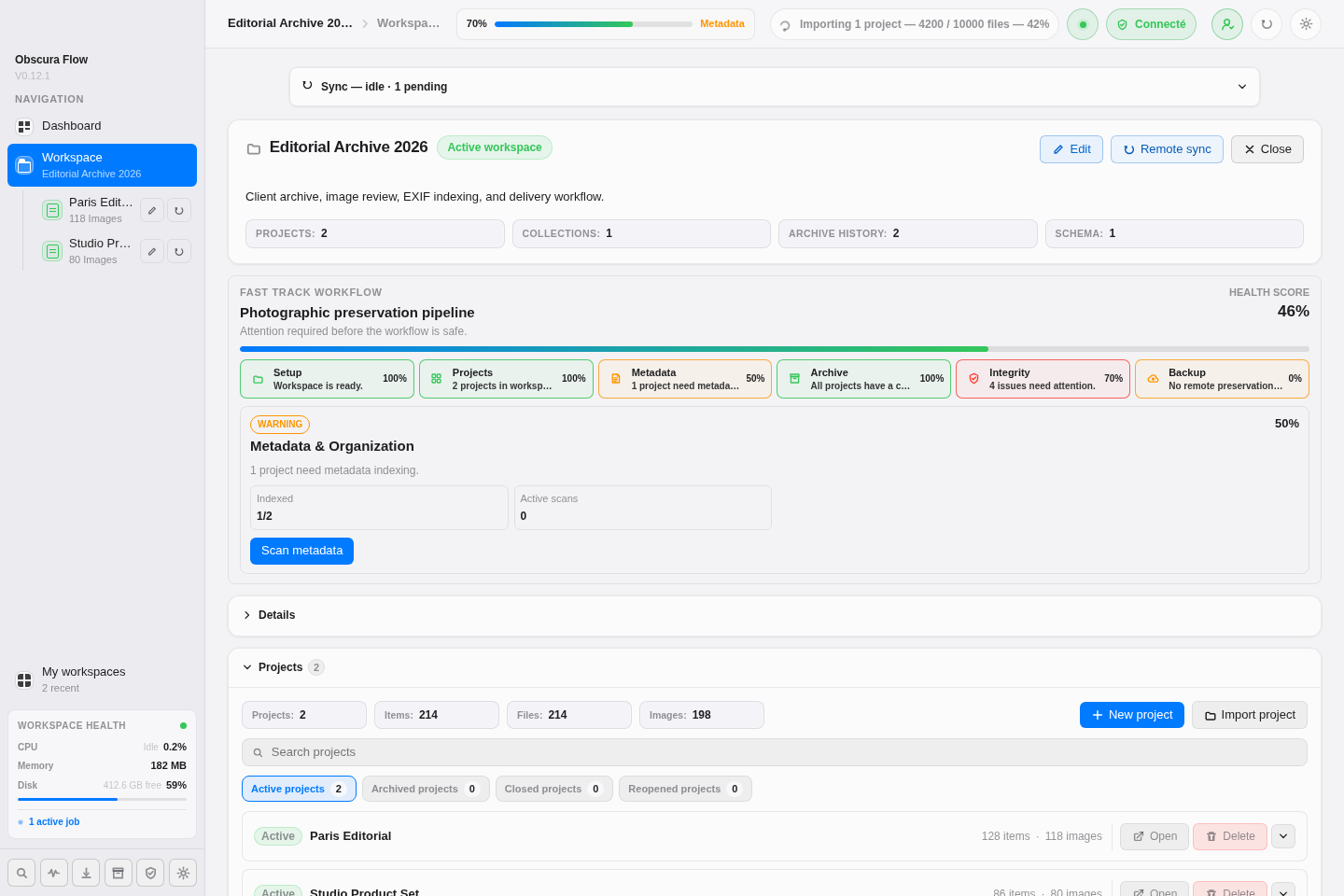
Open and edit
Section titled “Open and edit”Click Open workspace to select an .obf file. Once open, the detail view lets you edit the name and description and monitor API and synchronization states.
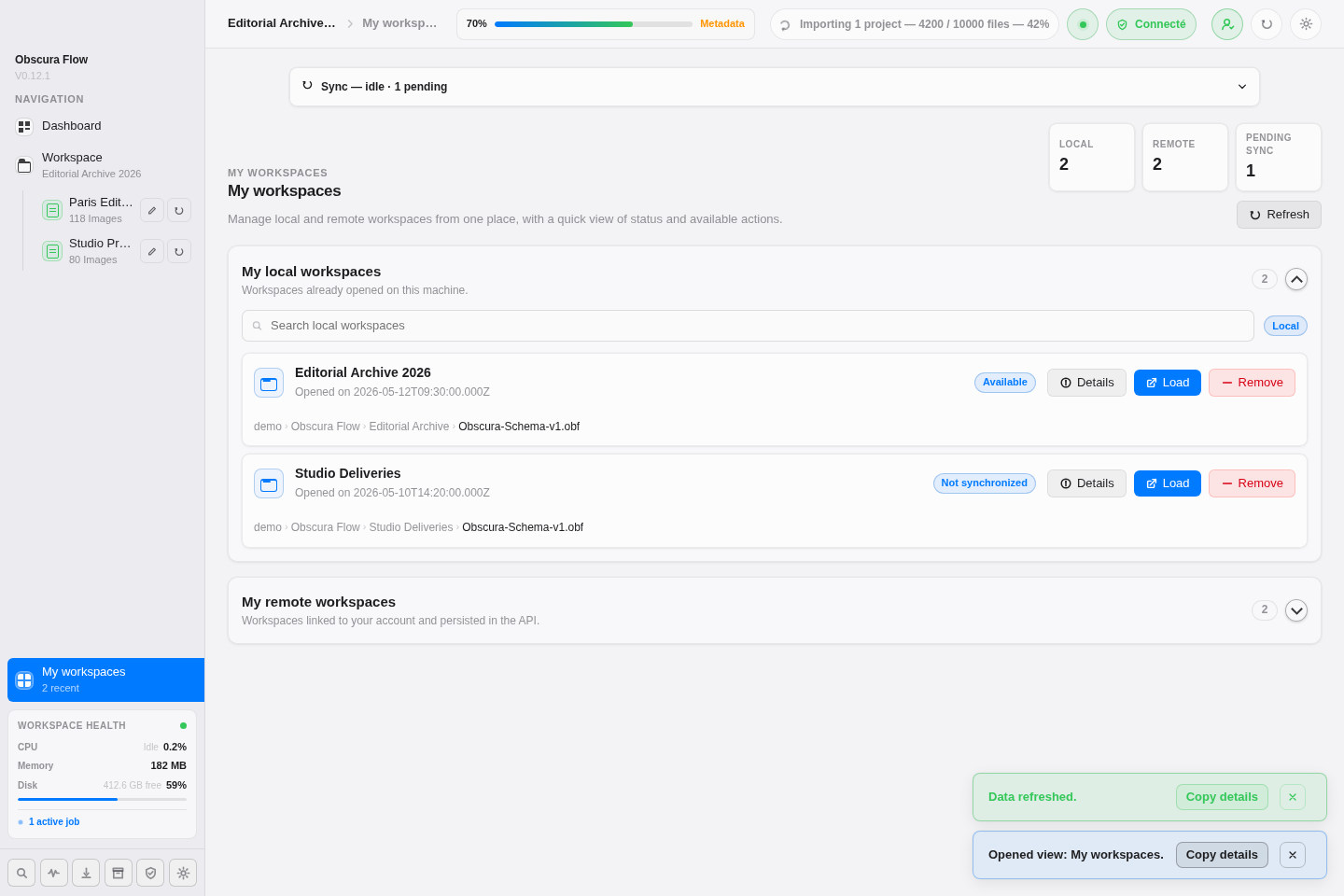
Recent and remote workspaces
Section titled “Recent and remote workspaces”The My workspaces view shows recent workspaces on the machine and remote workspaces available through the API.