
Durable photo management
Organize, document, and preserve your photographic work.
Obscura Flow supports photographers across the full lifecycle of their images, from import to long-term archiving.
Document context
Verify preservation
Why
Photographers lose less images than context.
The value of an archive depends on the files and on the information that makes them understandable, findable, and transferable.
Scattered images
A unified inventory brings files, projects, collections, and storage media back into one readable structure.
Inconsistent metadata
Essential information is reviewed, enriched, and preserved alongside the images it describes.
Multiple drives
Volumes remain visible with their paths, status, and expected copies.
No archive trail
Each body of work can become a documented and verifiable archive.
Unverified backups
Integrity checks prevent false confidence in incomplete or corrupted copies.
Aging catalogs
Migration separates your body of work from the limits of a single software tool.
Workflow
A continuous method, from import to restore.
Each step reduces uncertainty. You know what exists, where it lives, how it is documented, and how to restore it.
- 01
Import
Copy, move, or reference folders, Lightroom catalogs, and existing media with SHA-256 deduplication and resume after interruption.
- 02
Catalog
Turn scattered volumes into projects, collections, and a browsable gallery with full-text search and saved searches.
- 03
Document
Enrich EXIF/IPTC/XMP, apply a structured documentation method, and let local AI suggest captions, objects, and faces.
- 04
Organize
Structure projects, nested collections, series, versions, RAW+JPEG pairs, and persistent inventory numbers.
- 05
Archive
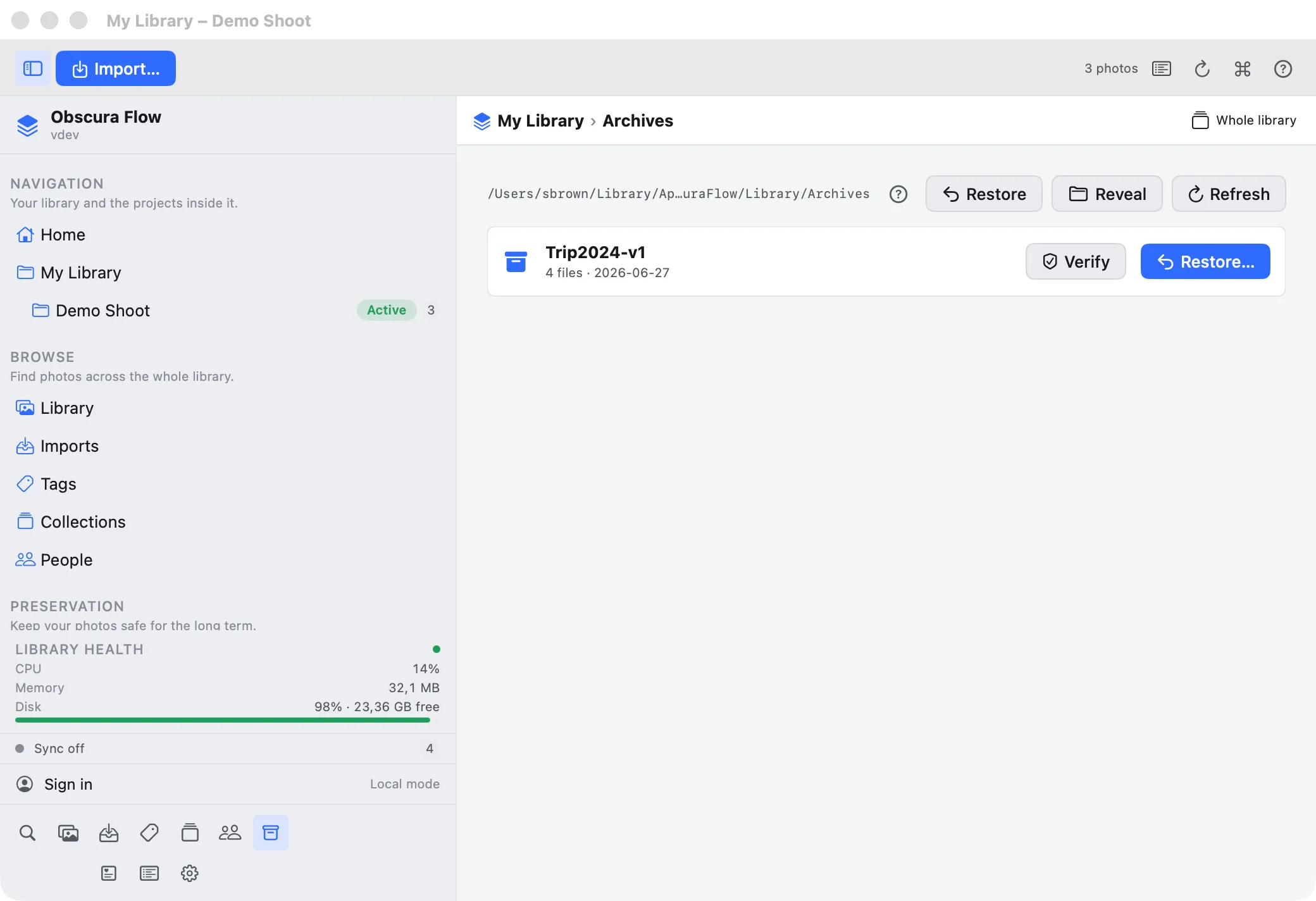
Create compressed archive packages documented by SHA-256 manifests and sealed with Ed25519 signatures, with optional AES-256 encryption.
- 06
Back up
Follow a 3-2-1 strategy to S3, Backblaze B2, Cloudflare R2, NAS, or local folders with consistency checks and resumable uploads.
- 07
Preserve
Audit fixity over time, validate formats, and identify files at risk of obsolescence before they become unreadable.
- 08
Restore
Recover a reliable state for a set or a file through verified restore flows and overwrite safeguards.
Features
Precise tools for a living archive.
Obscura Flow focuses on visible benefits: find faster, document better, preserve longer.
Library
A local-first workspace that remains fully usable offline and brings projects, collections, imports, and archives together.

Projects
Each assignment follows a clear lifecycle, from draft to active work to archive, with images, notes, status, and deliverables.

Collections & tags
Manual, smart, and nested collections organize series and selections without moving originals.

Reliable import
Copy, move, or reference folders with SHA-256 deduplication and automatic resume after interruption.

Lightroom migration
Import a Lightroom Classic catalog (.lrcat) while preserving ratings, keywords, collections, virtual copies, and history.

Metadata
EXIF, IPTC, and XMP are read and enriched through a modern editor, with sidecar writes that never alter originals.

Indexing & thesaurus
Persistent inventory numbers, a structured documentation method, and controlled vocabulary make archives searchable over time.
Local AI analysis
Captions, objects, OCR, near-duplicates, and face grouping run entirely on your Mac, and remain optional.

Archive Center
Compressed packages, SHA-256 manifests, Ed25519 signatures, and optional AES-256 encryption.

Integrity & fixity
Signature checks, scheduled audits, format validation, and verified restore paths reduce preservation uncertainty.

3-2-1 backup
Guided off-site copies to Amazon S3, Backblaze B2, Cloudflare R2, NAS, or local folders with resumable transfers.

Heritage
Authenticity certificates, portfolios, catalogue raisonné exports, provenance, and location history for works.
Lightroom
Migrate without starting over.
Import a Lightroom Classic catalog (.lrcat) in read-only mode: ratings, color labels, keywords, nested collections, virtual copies, and develop history are preserved.
Explore migration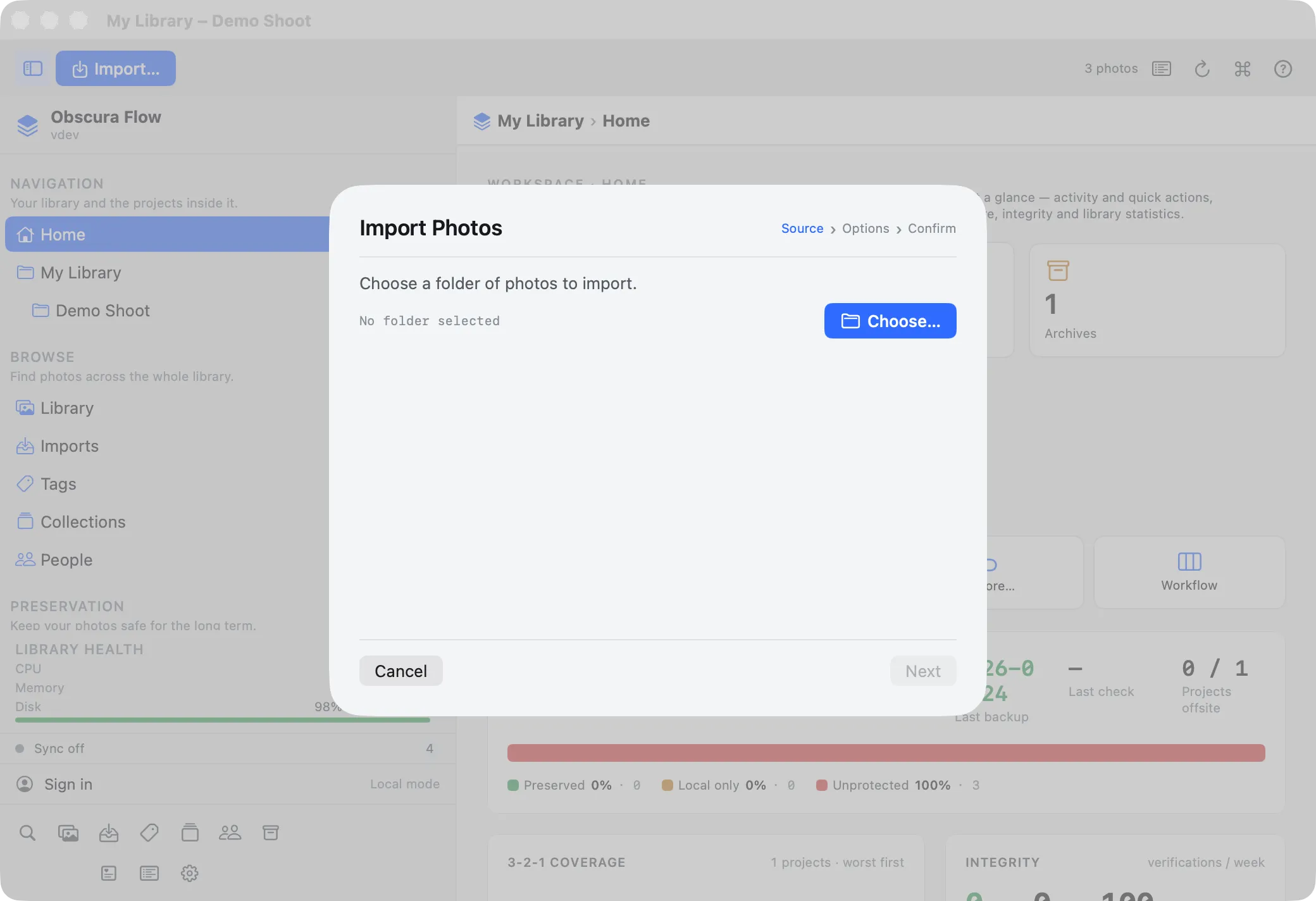
Archiving
Evidence, not promises.
Checksums, manifests, signatures, history, versions, validation, and restore workflows create a readable preservation chain.
Secure the archiveIndependent photographer
Control client work, personal series, and deliveries without losing context.
Photo studio
Share one method across production, retouching, archiving, and delivery.
Artist
Document works, prints, versions, and exhibitions rigorously.
Gallery
Prepare reliable bodies of work for sales, fairs, and catalogues.
Museum
Preserve photographic holdings with traceability and documentation.
Archive center
Receive, qualify, and restore heterogeneous batches.
Photography school
Teach a professional method for classification and preservation.
Agency
Find usable images and associated rights quickly.
FAQ
Frequently asked questions.
Direct answers about scope, migration, and preservation.
Does Obscura Flow replace Lightroom?
No. Obscura Flow complements development and editing tools with a durable layer for organization, documentation, and archiving.
Can I import a Lightroom catalog?
Yes. Lightroom Classic catalog import (.lrcat) preserves originals, ratings, captions, color labels, keywords, collections, virtual copies, and stacks without changing your Lightroom catalog.
Are my original files modified?
No. The app is non-destructive: enriched metadata is written to XMP sidecars, never into the original files.
How is archive integrity verified?
Each archive includes a SHA-256 manifest and an Ed25519 signature. Scheduled fixity audits and format validation reveal drift or corruption.
Is it suitable for heritage institutions?
Yes. Persistent inventory numbers, structured indexing, Dublin Core export, provenance, and reports support photographic collections.
Is the cloud required?
No. Obscura Flow is local-first and fully usable offline. Cloud features are only used for backups, publishing, and sync that you choose.
Do I need an account?
No. Local use requires neither an account nor a connection. Login only adds licensing, sync, and optional remote logging.
Which backup destinations are supported?
Amazon S3, Backblaze B2, Cloudflare R2, any S3-compatible storage, NAS, and local folders for a 3-2-1 strategy.
Does AI analysis upload my images?
No. Captions, objects, OCR, faces, and near-duplicate detection run on your Mac through Apple Vision and are disabled by default.
Are EXIF/IPTC/XMP metadata supported?
Yes. They are read through ImageIO, and ExifTool when available, and underpin cataloging, search, migration, and preservation.
Can it handle large archives?
Yes. SQLite cataloging, virtualized galleries, and parallel processing remain usable on tens of thousands of images.
Is there a free version?
Local offline use is available without a license. Online plans add quotas, sync, and advanced features depending on needs.
How does restore work?
Verified restore extracts a local or off-site archive after signature checks, with conflict options and overwrite safeguards.
Are encrypted archives portable?
AES-256-GCM encryption is optional. An encrypted archive can only be restored on the Mac that created it because the key stays in that Mac's keychain.
How do I get support?
For a studio or institution, we can help with framing, migration, and integration. Use the contact page to describe your context.
Decision
Build an archive that stays understandable.
Tell us about your context before the public opening of downloads and commercial offers.